


To see the Activity Log for a Team Room:
- Select the Team Room you'd like to see the log for.
- Click the Settings tab in the top menu.
- Scroll down to the Activity Log section of the page to see what actions have been logged for that Team Room.
Example:
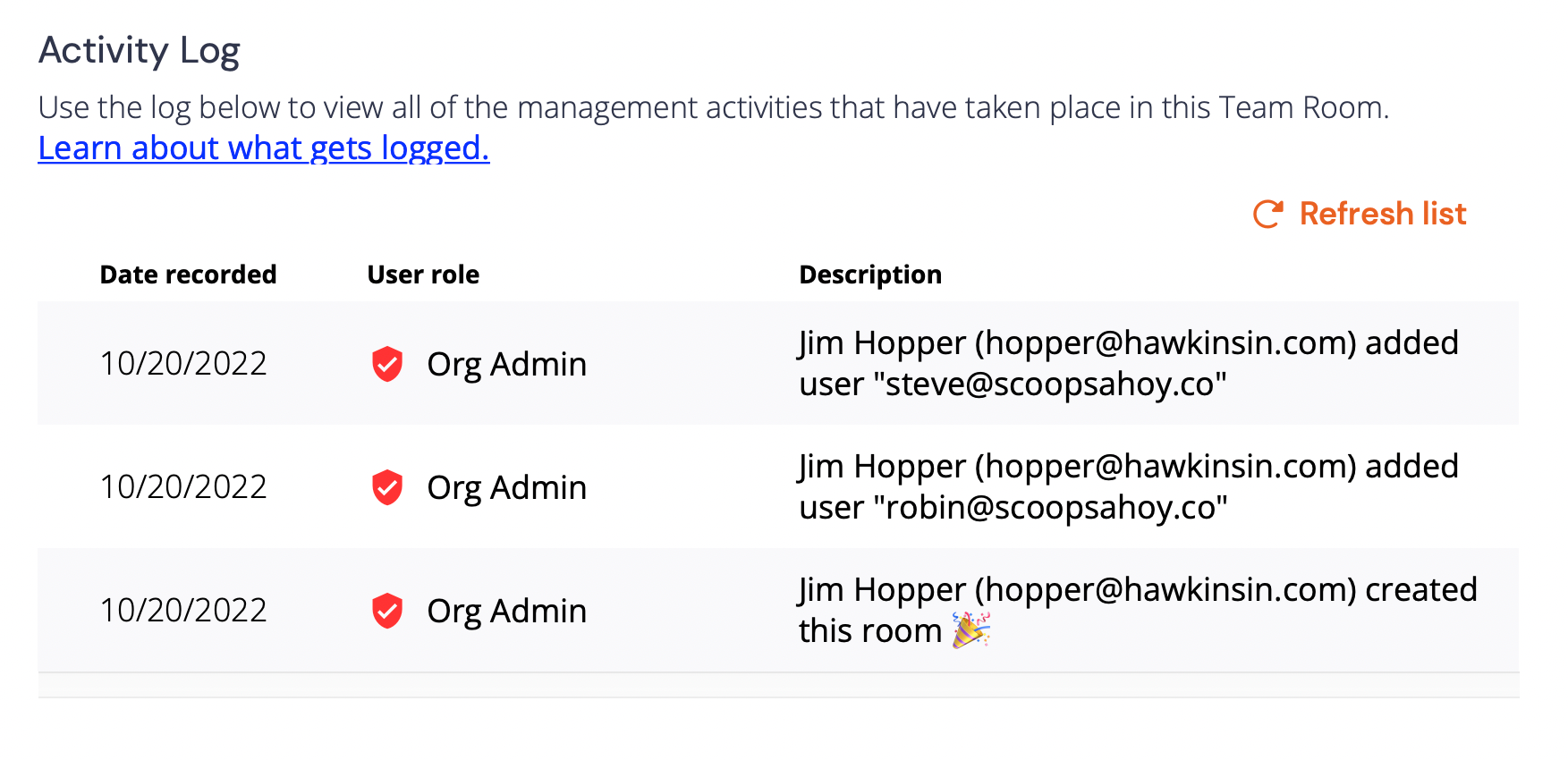 To refresh for recent activity, click Refresh list at the top right of the Activity log.
💡 Activity prior to 08/17/2022 was not captured and will not appear in your Team Room Activity Log.
The following actions are logged:
- Invite someone to the room
- Remove someone from the room
- Change the room name
- Change the room from public to private
- Change the room from private to public
- Deactivate the room
- Activate the room
- Create this room